Setting SSO from Okta
Overview
Okta can be utilized as identity provider to enable Single Sign On to SimCorp Dimension application.
Supported features
The Okta/SimCorp Dimension SAML integration currently supports following features:
- SP-initiated SSO
- IdP-initiated SSO
For more information on the listed features, visit the Okta Glossary.
Configuration
- Ensure SimCorp Dimension app is registered in your workspace
- Ensure that your application has gateway subdomain configured.
- Contact your SimCorp contact person and inform that you want SAML 2.0 for your Okta application to be enabled.
- Include the Metadata URL located on the Sign On tab > Sign on methods > SAML 2.0 -> Metadata details with your request.
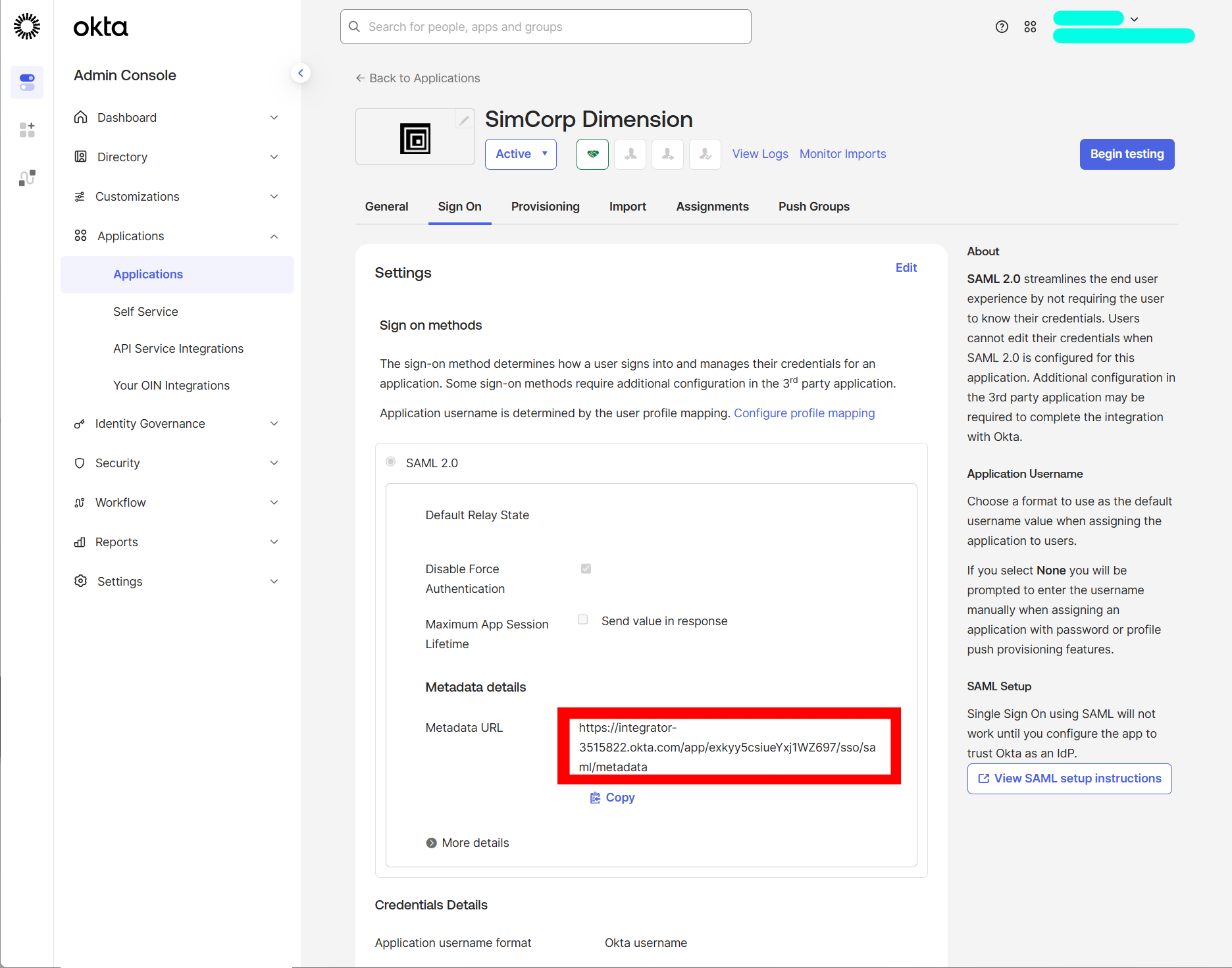
- Your SimCorp contact person will inform you when SSO will be ready.
Note
-
Ensure that you entered the correct value in the
Gateway subdomainfield under the General tab. The wrong subdomain value prevents you from authenticating through SAML to SimCorp Dimension. -
The following SAML attributes are supported:
| Name | Value |
|---|---|
| name | user.login |
| nameidentifier | user.login |
| emailaddress | user.email |
| givenname | user.firstName |
| surname | user.lastName |
SP-initiated SSO
The sign-in process is initiated from
- From your browser, navigate to the https://[gateway subdomain].simcorpcloud.com
- Enter your Okta credentials (your email and password) and click "Sign in with Okta".
If your credentials are valid, you are redirected back to the storefront.