Getting started
Following site describes SimCorp Dimension application config in Okta.
The integration between Okta and SimCorp Dimension can be used for SCIM provisioning and SSO login.
Configuration
Register SimCorp Dimension in your Okta workspace
- Log in to your Okta Admin Console.
- Navigate to Applications > Applications > Browse App Catalog.
- Search for 'SimCorp Dimension'.
- Click Add.
-
Fill in required parameters:
- Environment - use 'production'
- Gateway subdomain - needed for the SAML configuration
> Typicaly it's
[your customer shortcode]-sso. Please contact SimCorp contact person to get value.
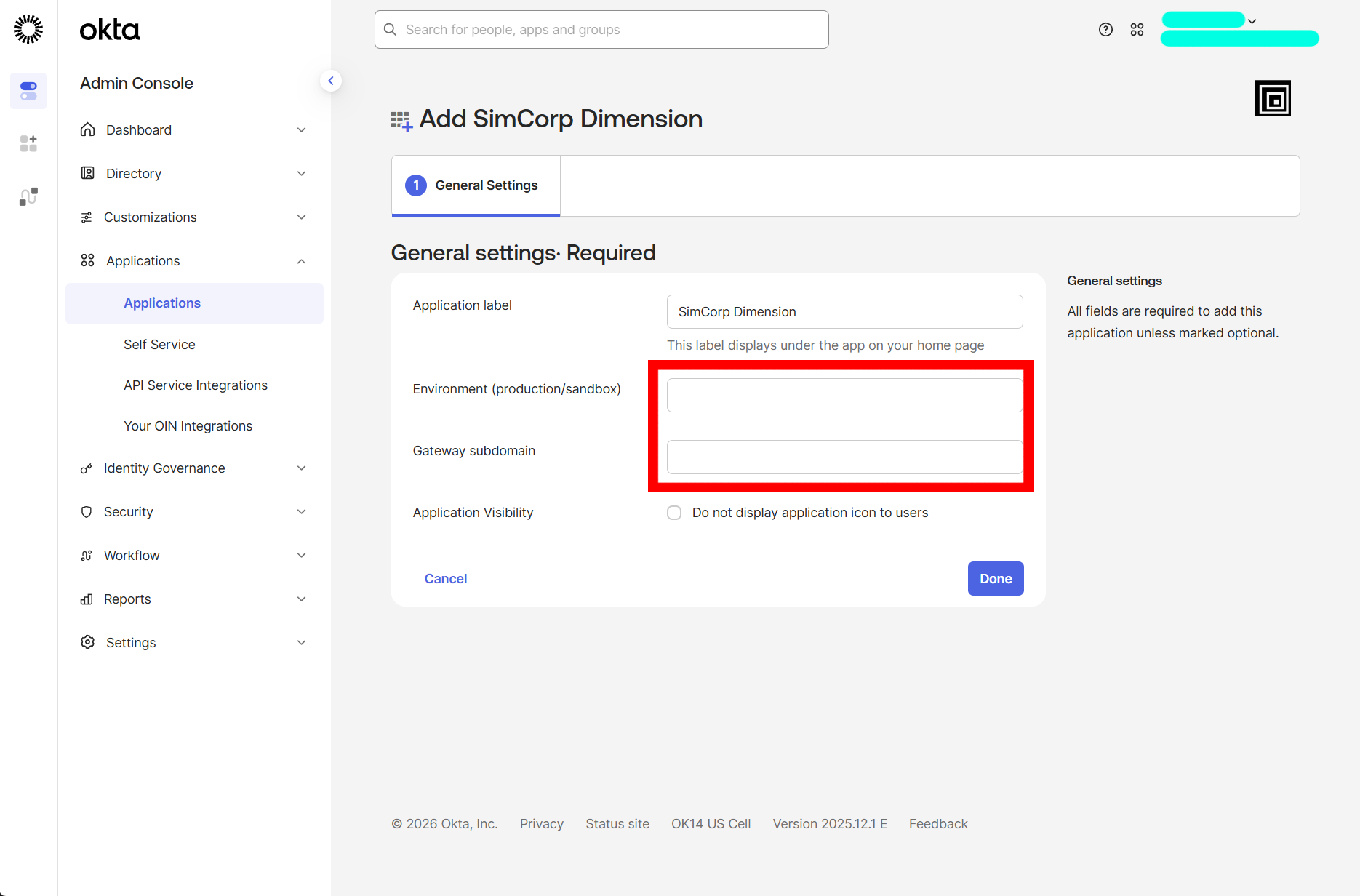 1. Click Done.
Edit SimCorp Dimension in your Okta workspace
- Log in to your Okta Admin Console.
- Navigate to Applications > Applications.
- Search for 'SimCorp Dimension' > NOTE 'SimCorp Dimension' is the default application name. It can be registered under different name in your workspace.
- Click on the 'SimCorp Dimension' application
- Go to the General tab
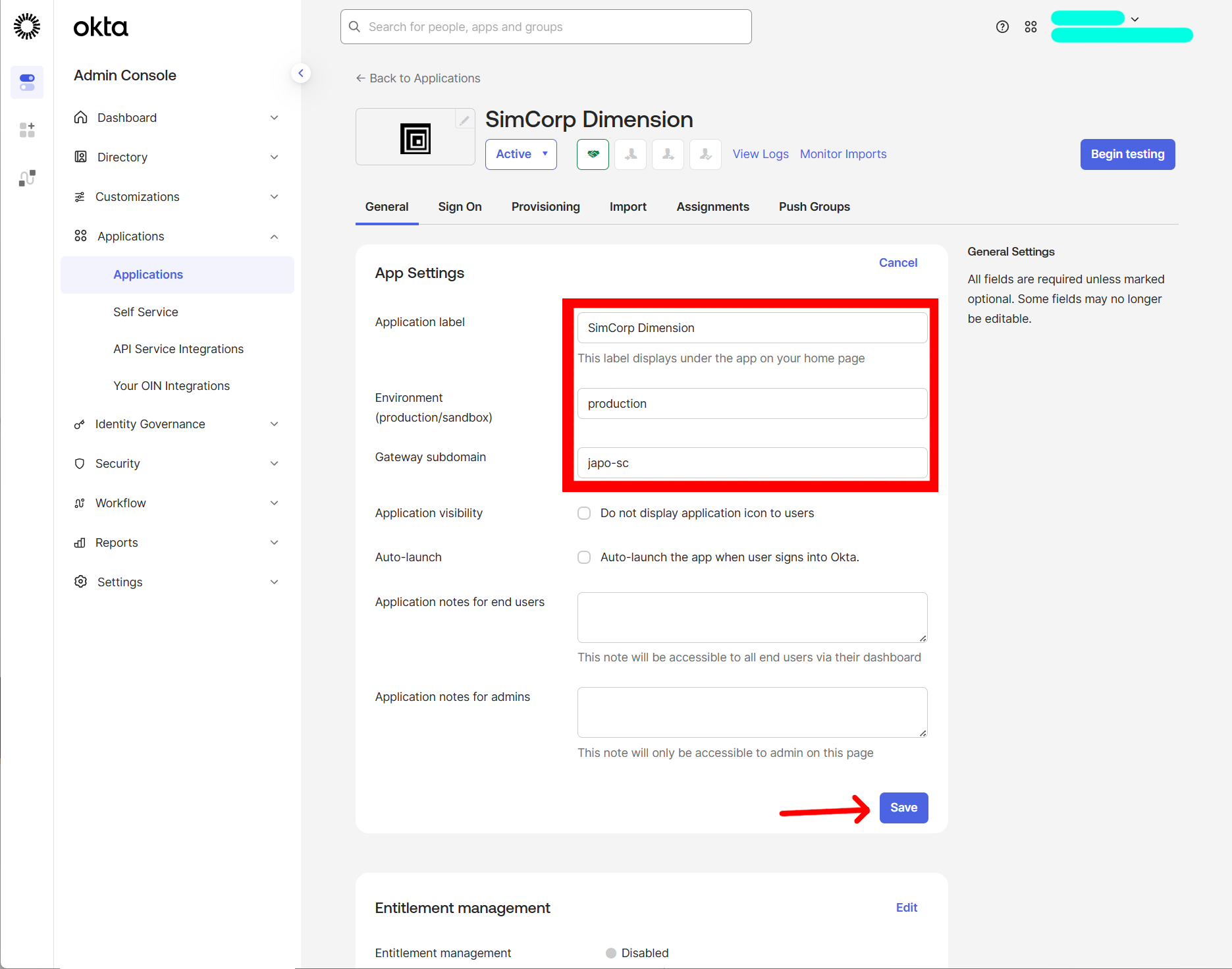
- Click Edit button.
- Do the changes.
- Click Save button.
SAML
SAML configuration is described in saml documentation.
SCIM
SCIM configuration is described in scim documentation.
Support
If you encounter issues or need assistance, please contact your dedicated contact person in SimCorp.